Custom Cursor

Custom Cursor

Make your mouse cursor your own. Swap in custom packs, layer on visual effects like glow, color, and zoom, and bring your desktop to life with animated overlays, applied system-wide or per application.

Trusted by 10,000+ Users

See what our community is saying

★★★★★
Steam Review
"This is just silly fun. Huge cursor library, works perfectly. Makes my desktop feel way more personalized."
- Marksman
★★★★★
Steam Review
"You're telling me I can actually have a custom cursor on Steam with Workshop support, free? Is this a dream?"
- DAMIRCIK
Windows 10+ Compatible
100% Safe
10,000+ Downloads
Free on Steam
Pick Your Cursor Packs

A quick way to change how your cursor looks:

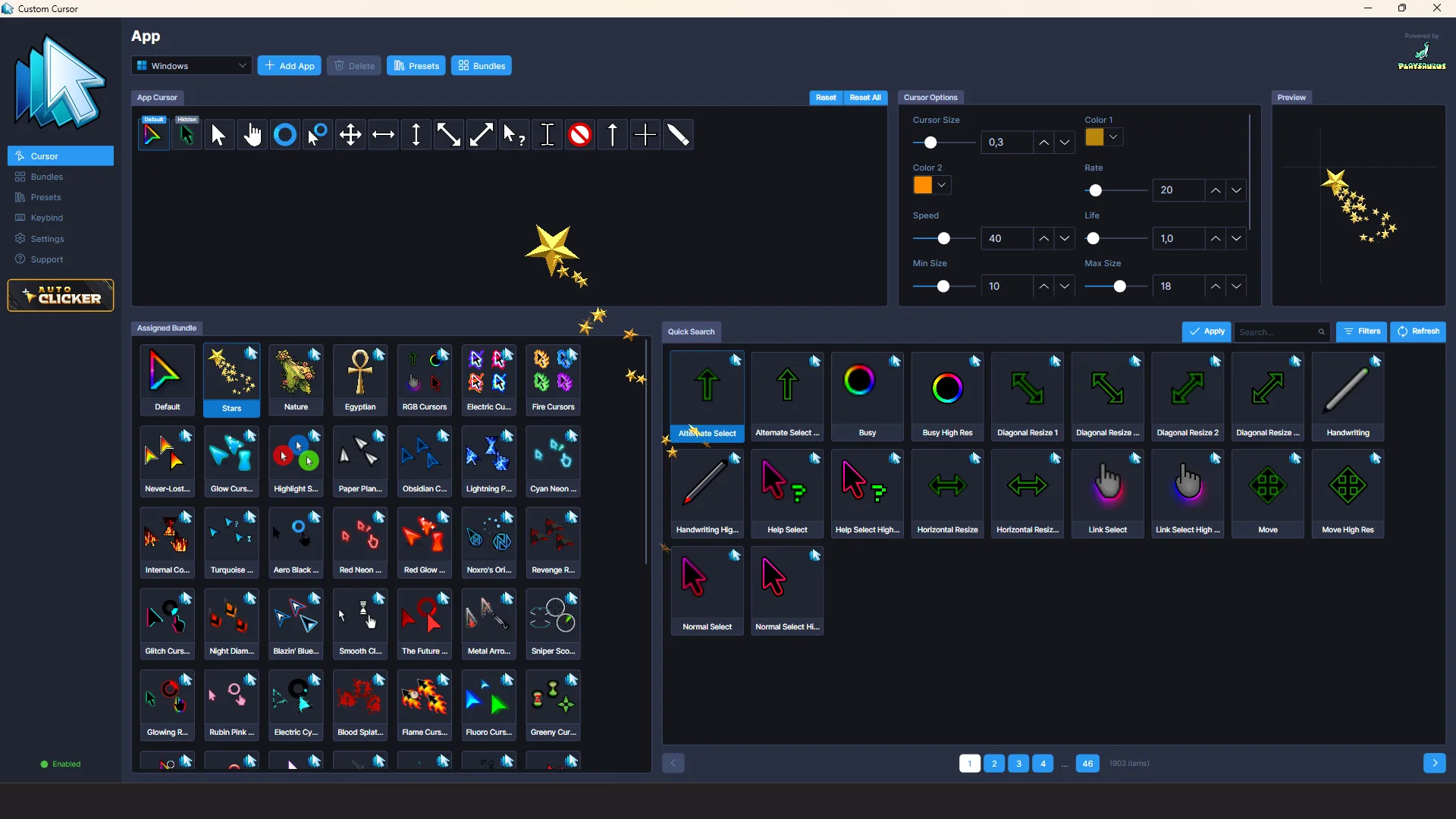
  • Browse a library of premade cursor bundles included with the app
  • Import any image and use it as your cursor
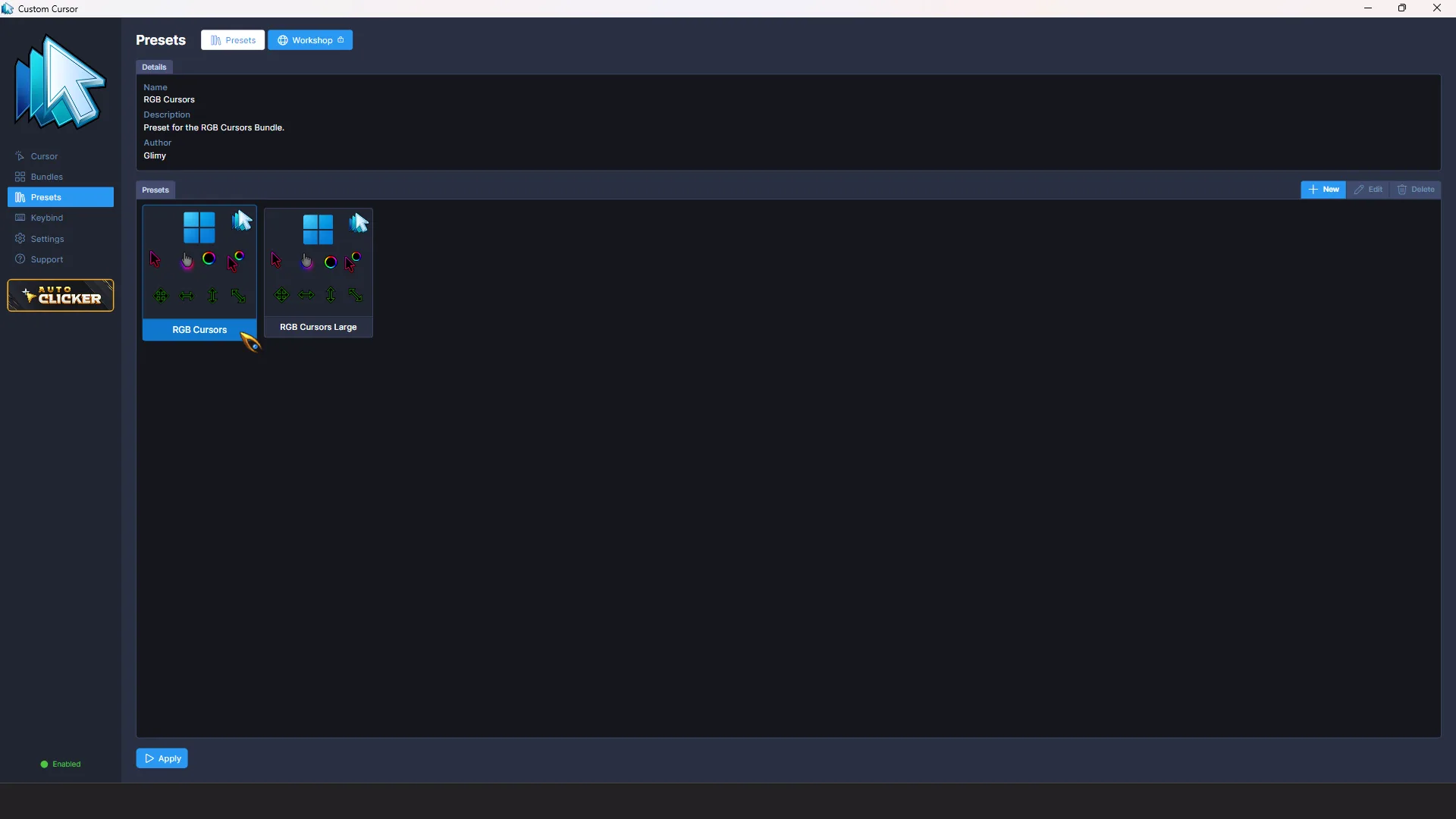
  • Apply cursors system-wide or target a specific application
  • Preview every cursor state (normal, busy, text, resize, and more) before applying
  • Switch back to the default Windows cursor at any time
Cursor pack browser

Try a Cursor

Watch The Custom Cursor Trailer

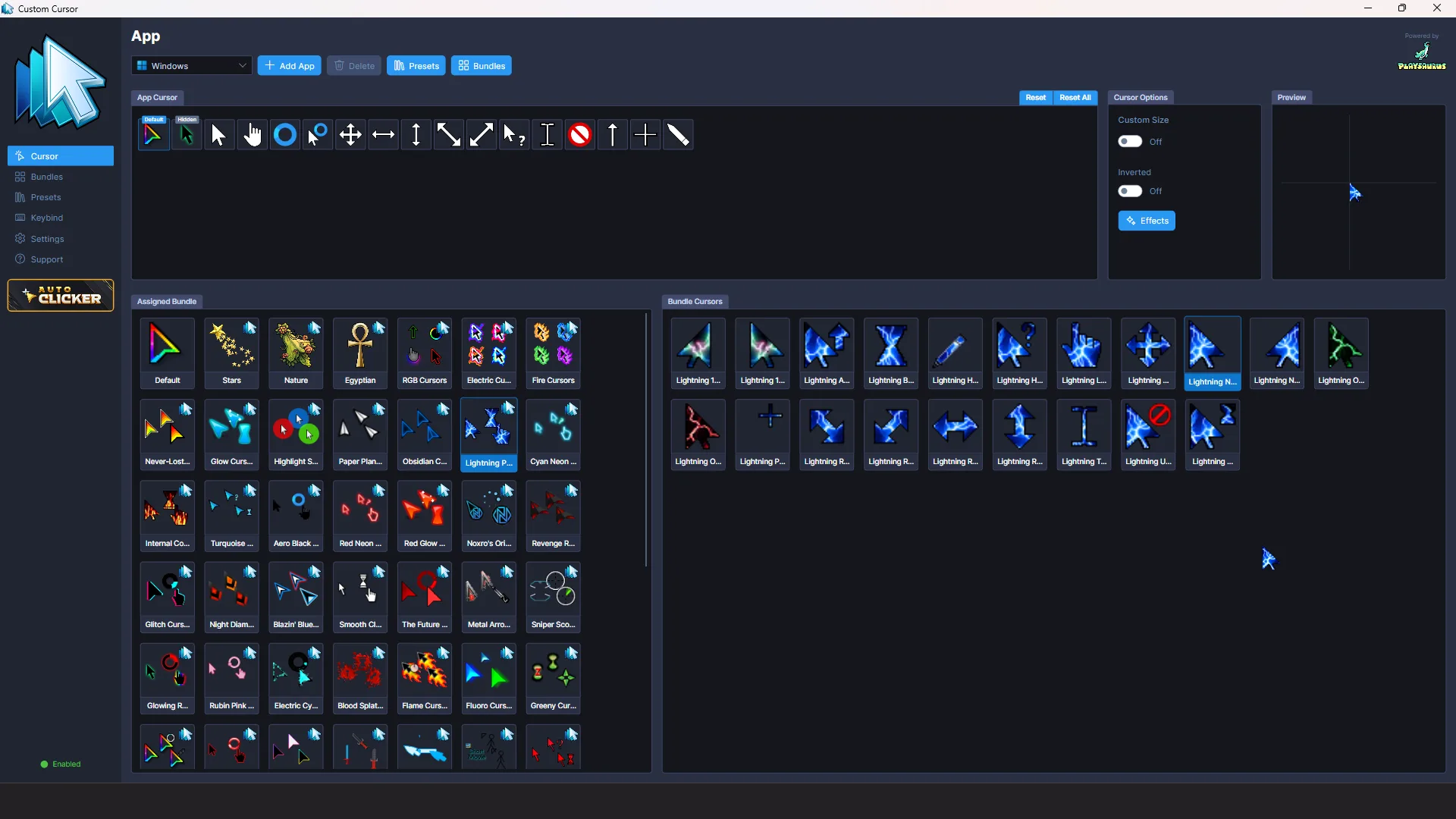
Visual effects panel

Layer Visual Effects on Top

Layer any of these on top of your cursor:

  • Glow: add a soft glow around your cursor in any color
  • Color: recolor cursors on the fly without editing the source files
  • Highlight: draw attention to your cursor with a spotlight ring
  • Cross: display crosshair lines across the screen for precise aiming
  • Zoom: magnify the area under your cursor
  • Click: trigger visual feedback whenever you click, with optional show-on-click-only mode

Bring It to Life with Animated Bundles

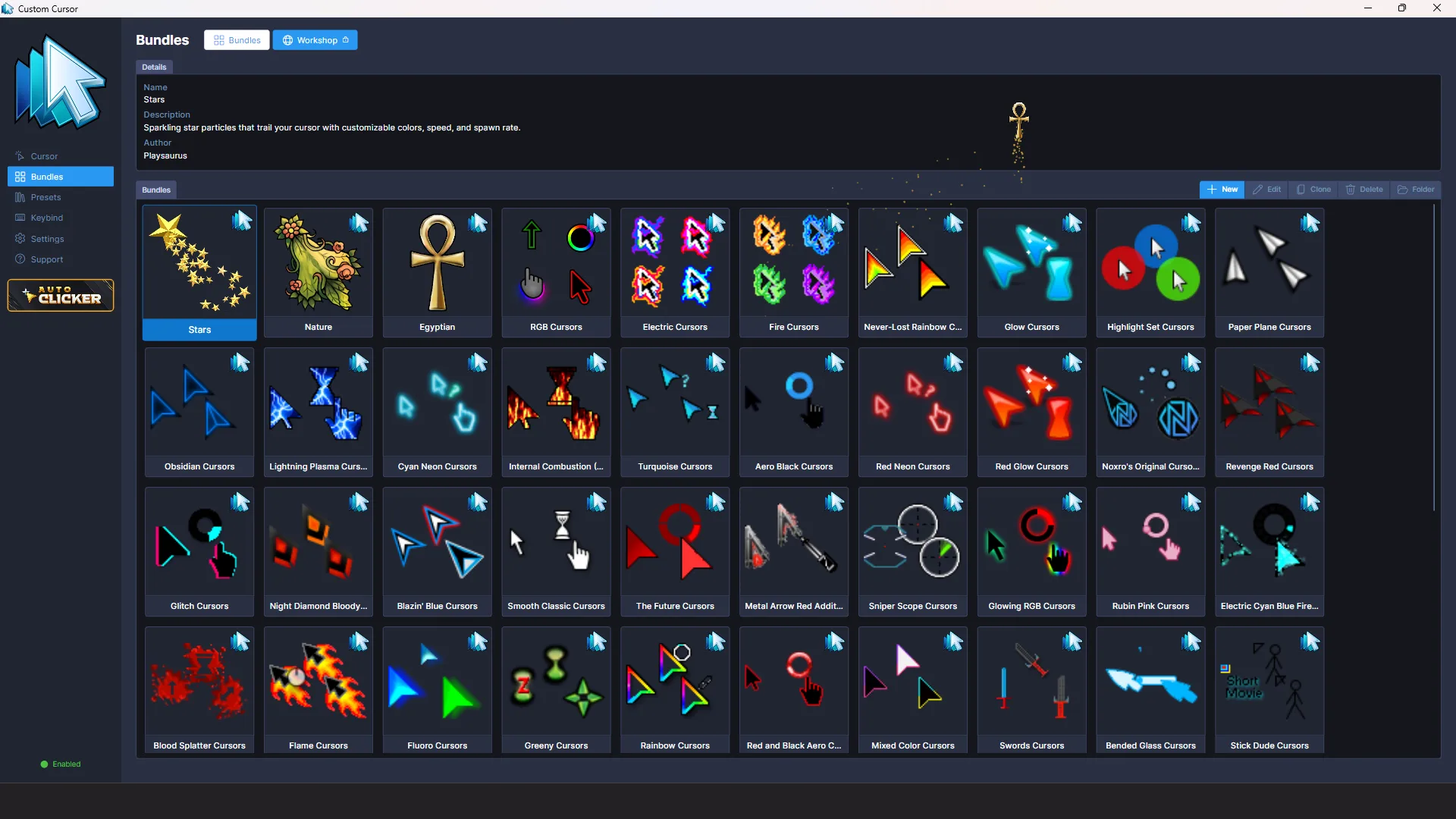
Special animated bundles let your cursor leave trails, sparks, and custom particle effects as you move:

  • Trails, sparks, and custom particle effects
  • Powered by a built-in particle engine
Animated bundles browser
Steam Workshop integration

Share via Steam Workshop

Share your creations and download cursor packs made by the community directly through Steam Workshop:

  • Find new styles, subscribe, and apply them with a single click
  • Share your own creations with the community

Bring Your Desktop to Life

Free on Steam. Workshop included. Compatible with Windows 10+.